Welcome
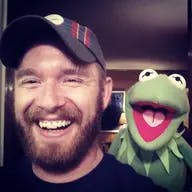
I'm a full-stack engineer, photography enthusiast, and published author who has been building websites and contributing to open-source projects since the late 90's. I'm also excited about the IndieWeb movement. I love the idea of owning your own online identity, domain, and content.
Offline, I live in south Alabama and I'm married with three kids. My hobbies include cooking, traveling, painting, and reading. Thanks for stopping by! ✌️
Latest Posts
- 2024 Total Solar Eclipse
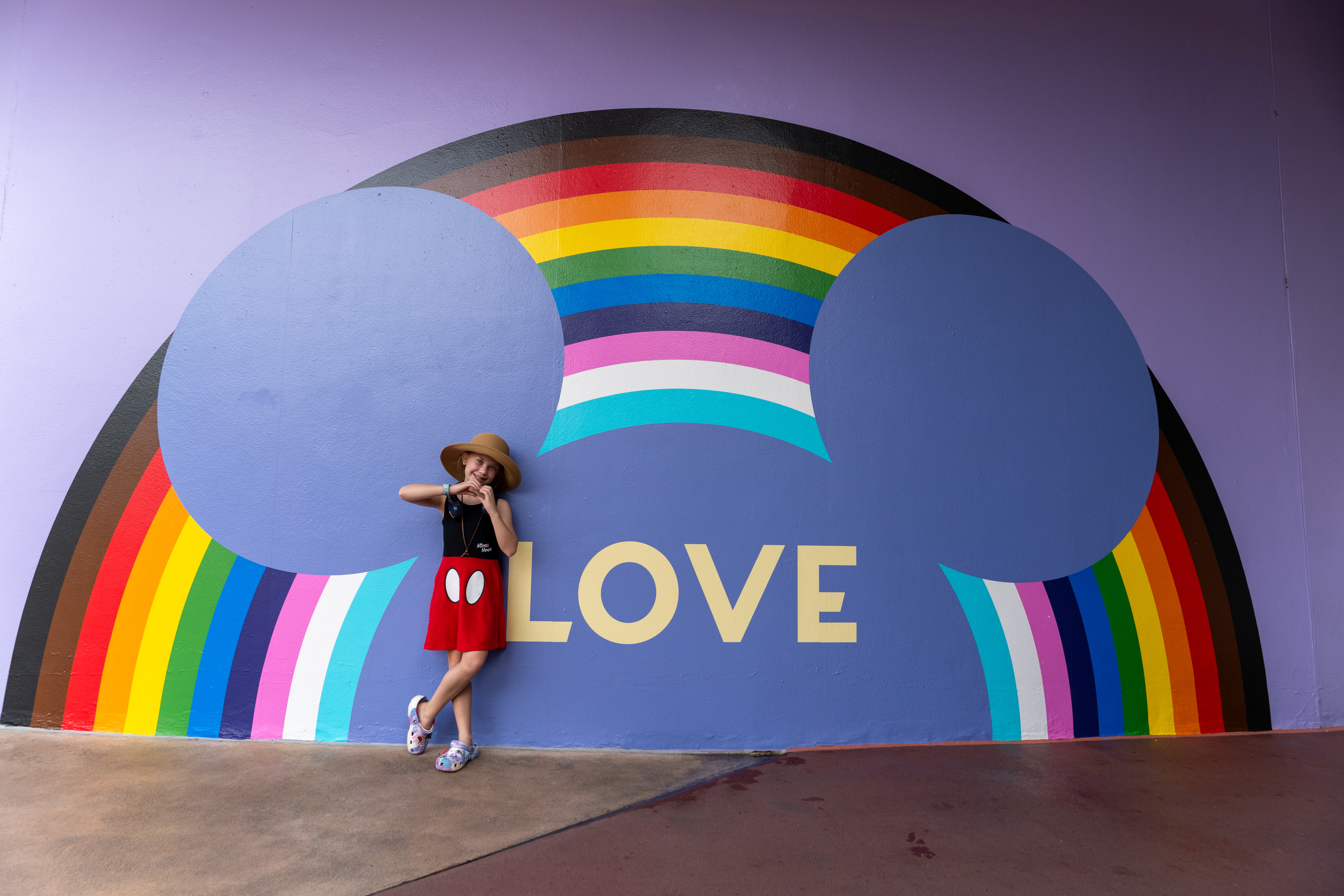
- Disney World – March 2024
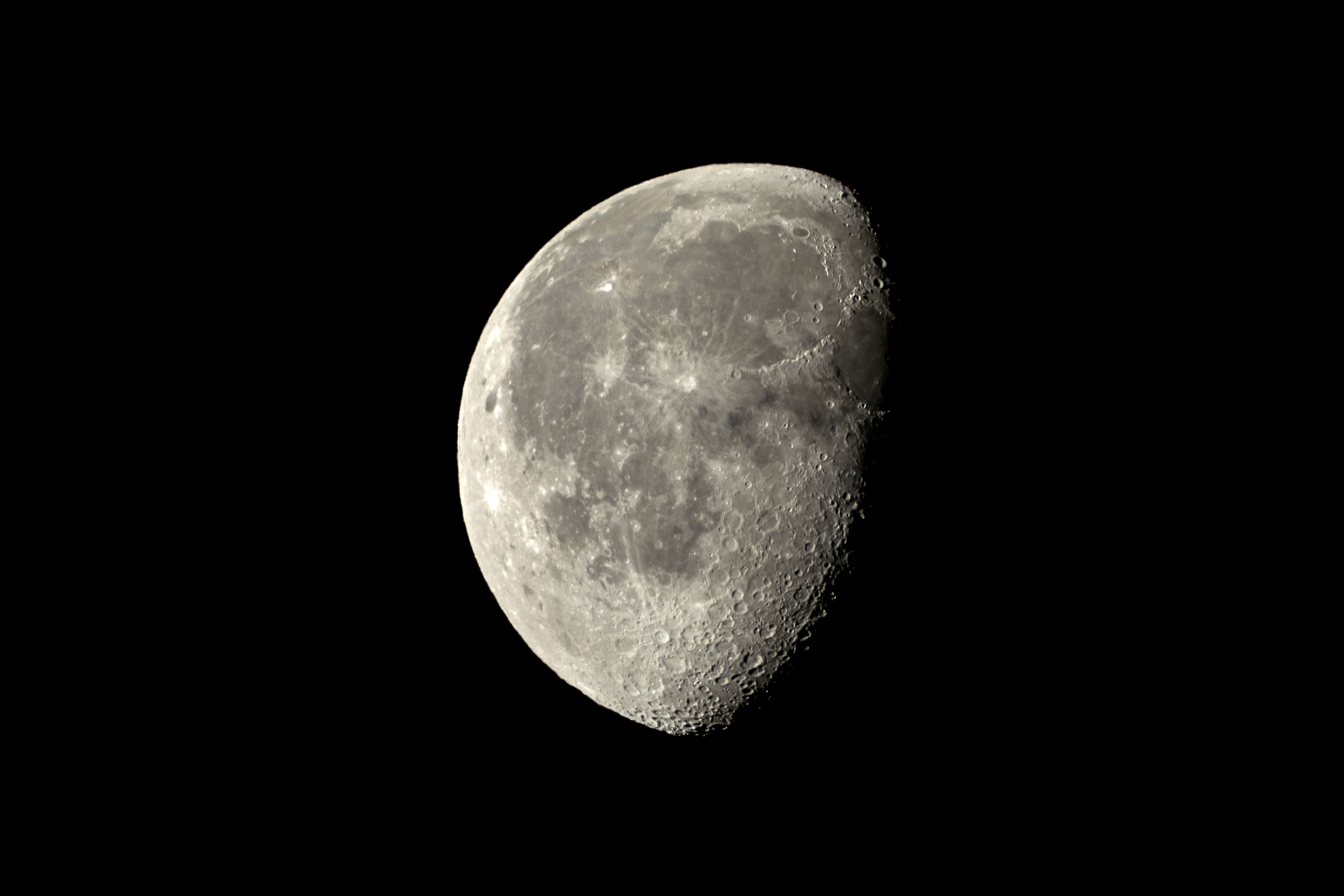
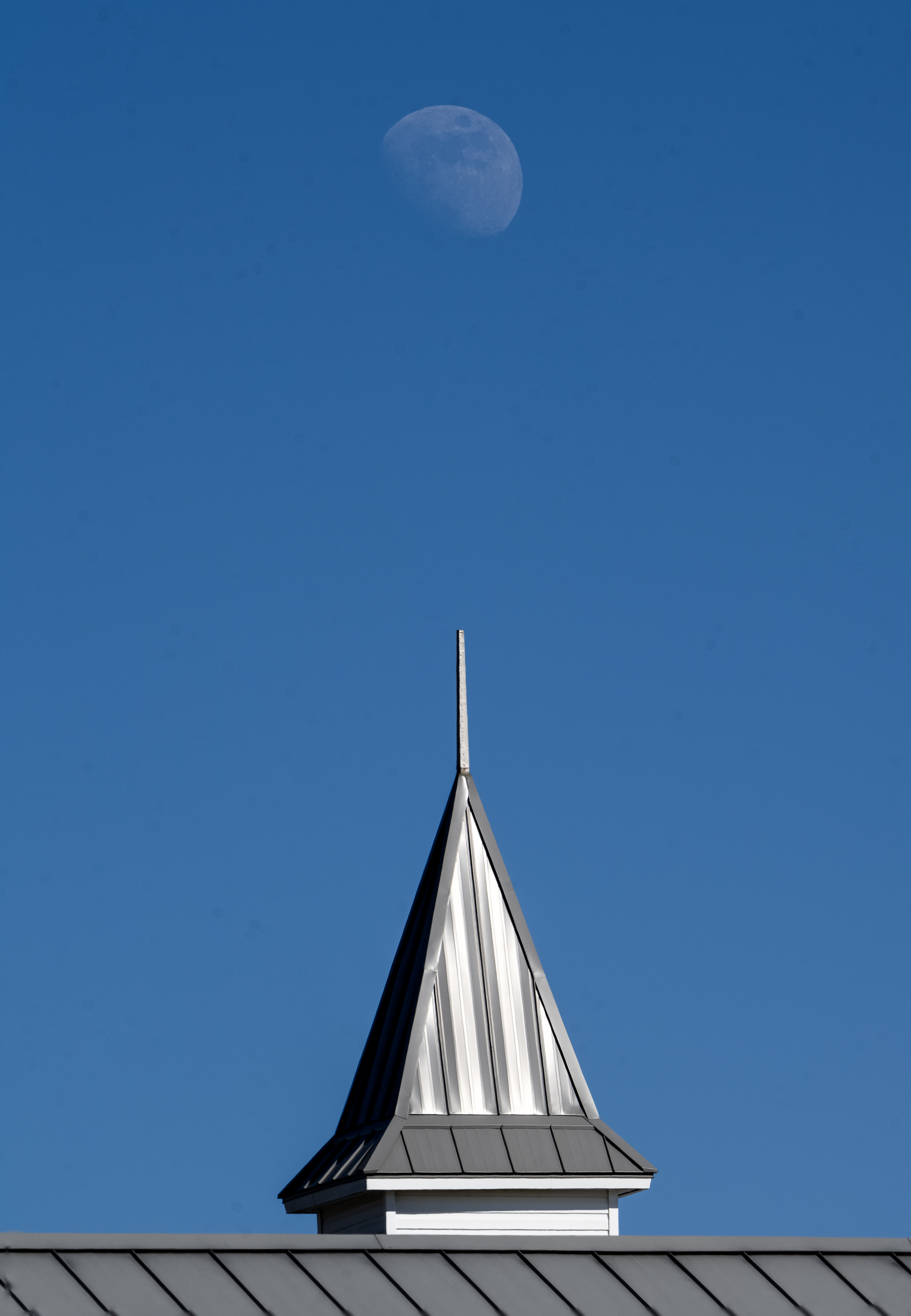
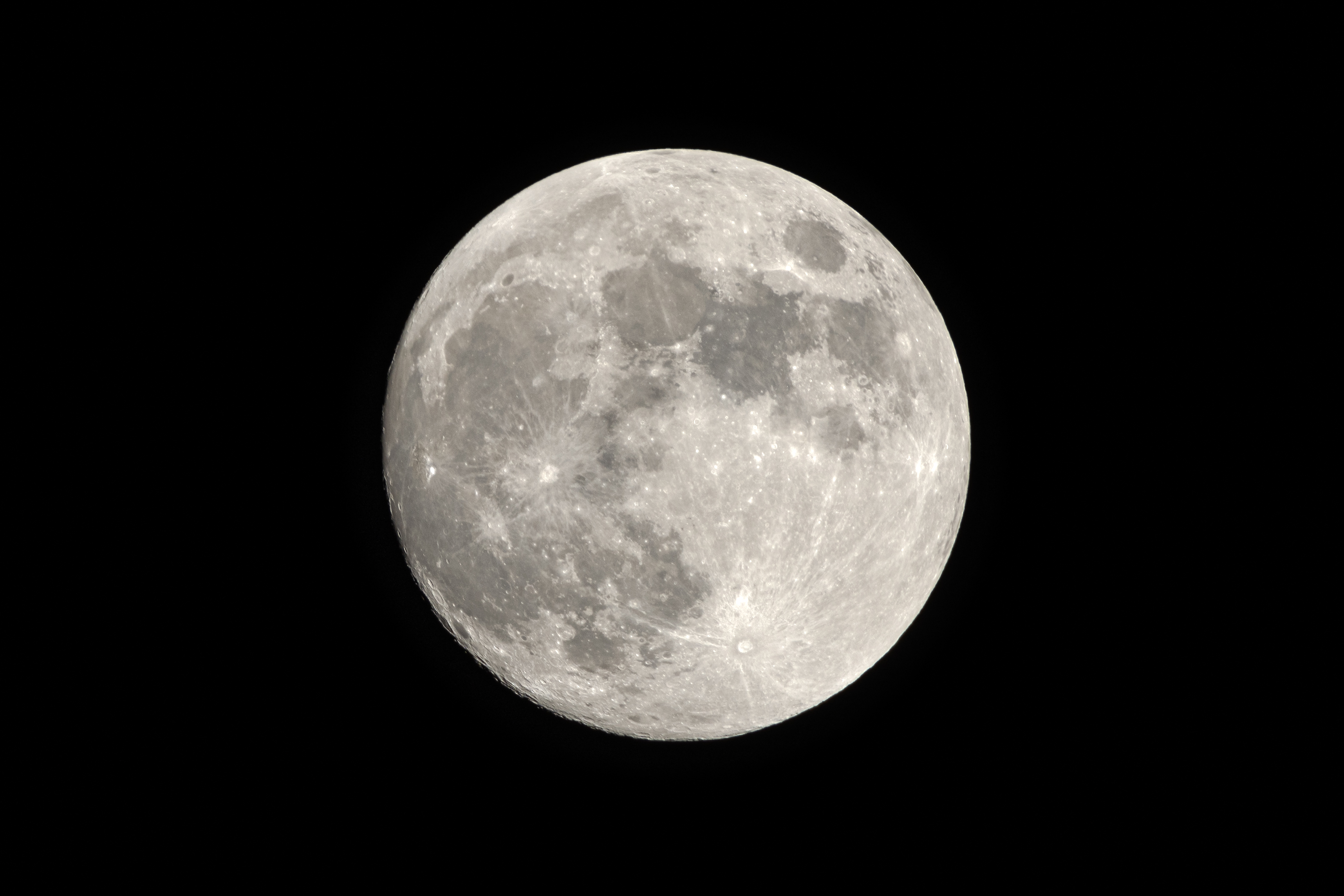
- The Moons of 2023
- Duck Camp 2023
- Brightening the Frame: How Gain Maps Elevate HDR Photography
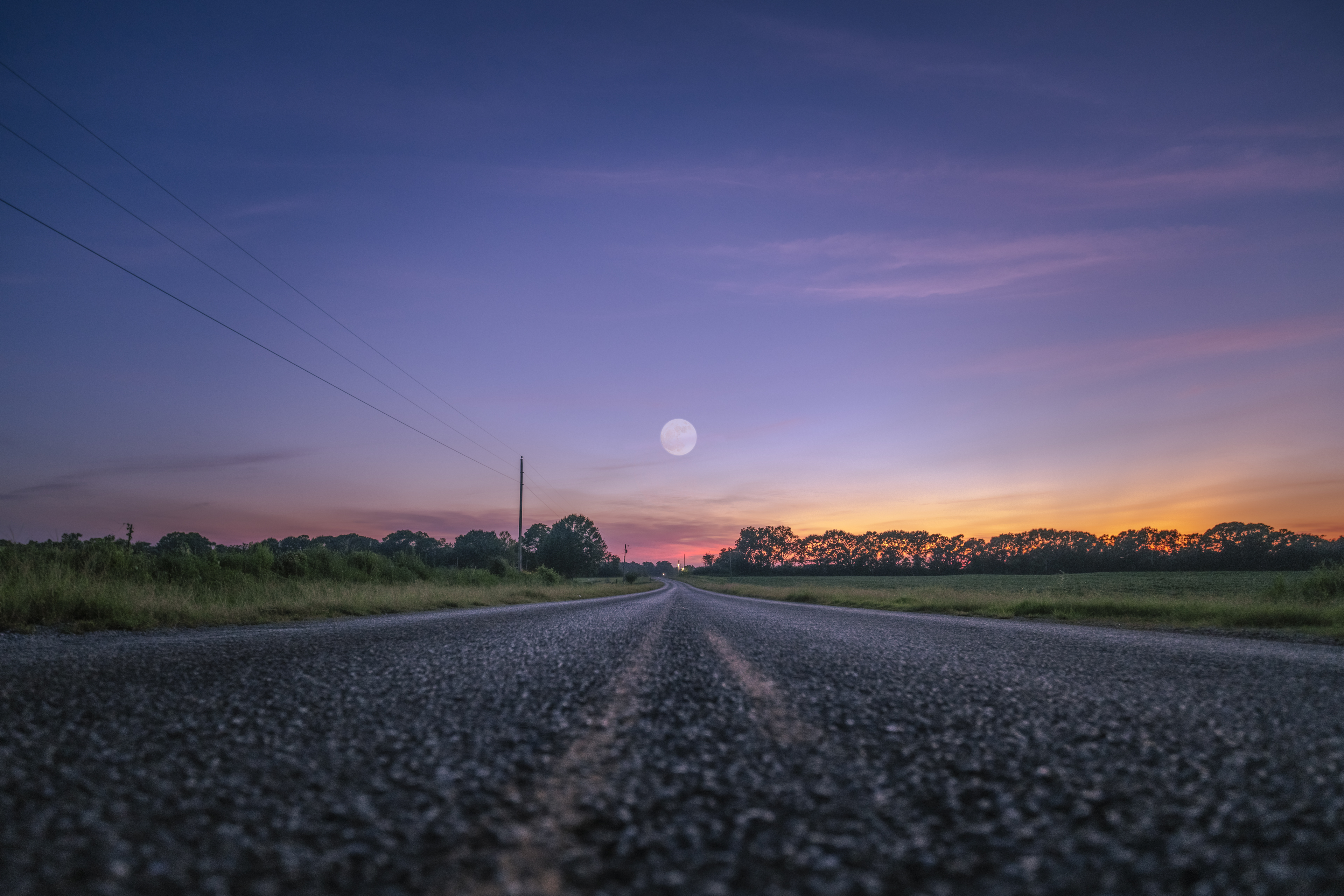
- August’s Super Blue Moon
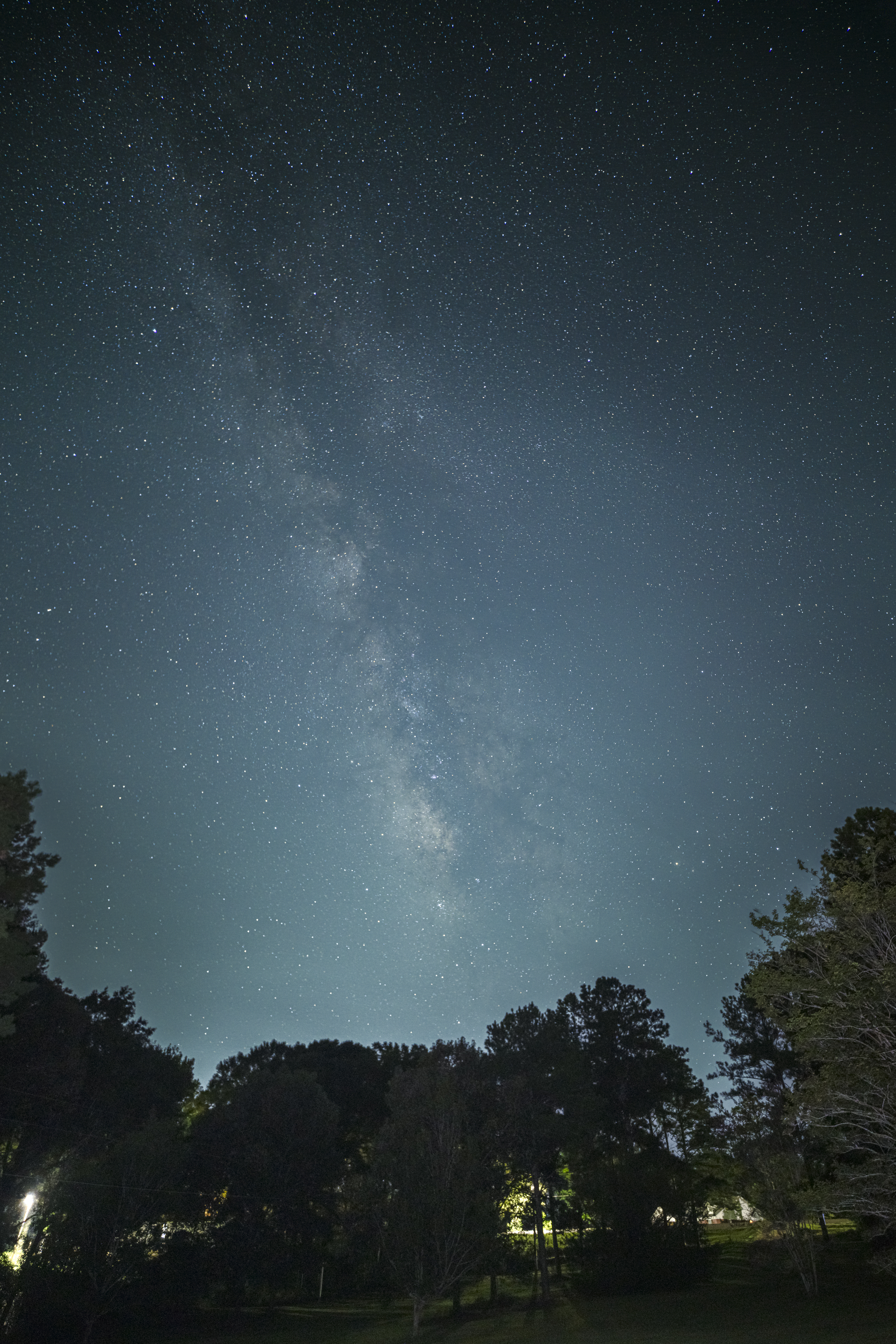
- Milky Way on August 9
Hobby Apps
Popular GitHub Repos
- nextjs-github-pages (357⭐️)
- nextjs-wordpress (203⭐️)
- The-Perfect-Apache-Configuration (173⭐️)
- nextjs-app-router-examples (158⭐️)
- genesis-sample (99⭐️)
- local-weather (49⭐️)
- viewer-for-reddit (32⭐️)
Blogroll
- PetaPixel 📸
- DP Review 📸
- Fstoppers 📸
- Hacker News 💻
- Astronomy News 🌌
- Disney Tourist Blog 🏰
- Make WordPress Core 💻
Videoroll
Recent Photos